Casa Occidente Plugin Licensing: Your Activation Guide
A license created for your purchase. A clear activation cycle. A direct line to me.
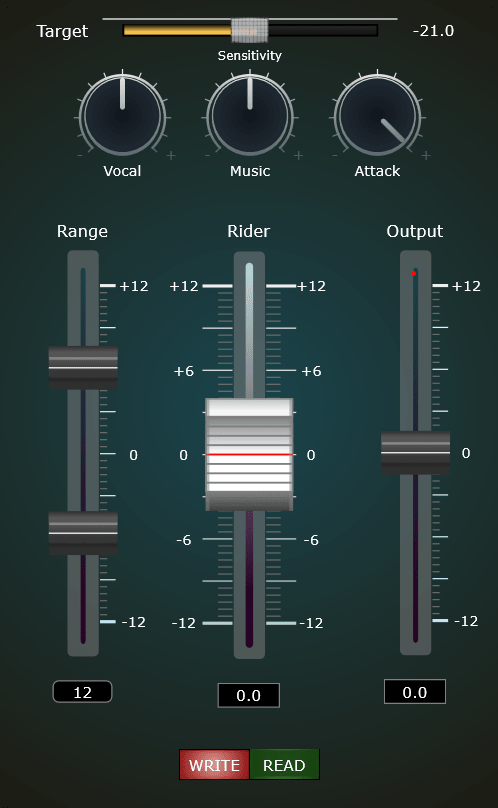
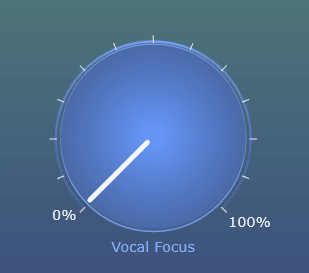
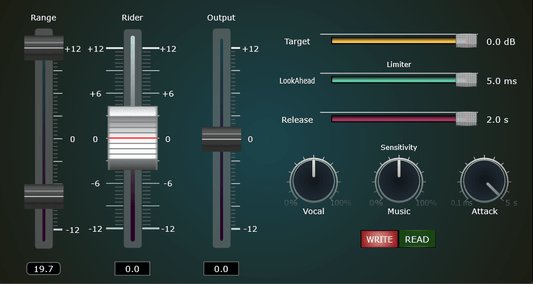
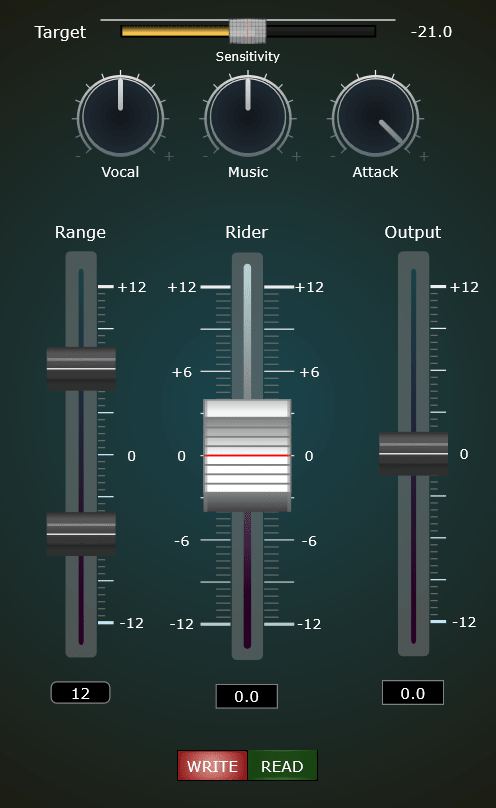
The new Casa Occidente licensing system brings those pieces together for RPro2, RaiderPro and Vocal Focus. Here’s how it works and what to expect when you activate your plugins.
Your license starts with your purchase
Your key is now created when your order is paid, with its date set at that same moment. Your activation period starts with your purchase, not before it.
This replaces the previous system of generating keys in advance, so your key no longer spends part of its activation period waiting to be purchased.

If your machine is already activated, nothing changes
This is the part the rest of this page assumes you know.
When you activate a machine, the plugin saves your key on that machine and unlocks from it. It does not ask the server again on every launch, and it does not expire on a schedule. A machine that is activated stays activated.
The 30-day period applies to a new activation: the first one on a machine, a reinstall, or a machine you add later. That is the moment you reply and I open a new period.
Updating the plugin is not a new activation. Your existing installation keeps working.

A clear 30-day activation cycle
Your paid license has a 30-day activation period. After that, it goes idle and stops accepting new activations.
Your license remains yours. Idle does not mean deleted. When you need a new activation period, reply to the email that delivered your key. I open the new period so your machines can activate again.
One email thread for your next activation
- Find the email containing your license key.
- Reply and ask for a new activation period.
- I’ll open the new period so you can activate again.
A short message is enough: “Hi Diego, could you open a new activation period for my license?”
A personal approach to license management
New activation periods are opened manually rather than renewed automatically. This helps me manage key sharing while keeping requests in direct contact with the person behind the plugins.
If that process gets in the way of your work, let me know. Your experience helps me decide what to improve next.
Direct support, just reply
Your license email is also your direct line to me. For questions about your key, activation dates or requesting a new period, reply to that same email. I read and answer those messages myself.
If you need activation help, include the plugin name and what you see on screen. Any error message will help me investigate.
Help shape what comes next
What would make your license email more useful? Clearer activation steps, a better explanation of dates, or something else?
Reply to your license email with one suggestion. I’d like the next improvement to come from what matters most to you.
Explore the plugins supported by the new system: RPro2, RaiderPro and Vocal Focus.
Diego
Casa Occidente